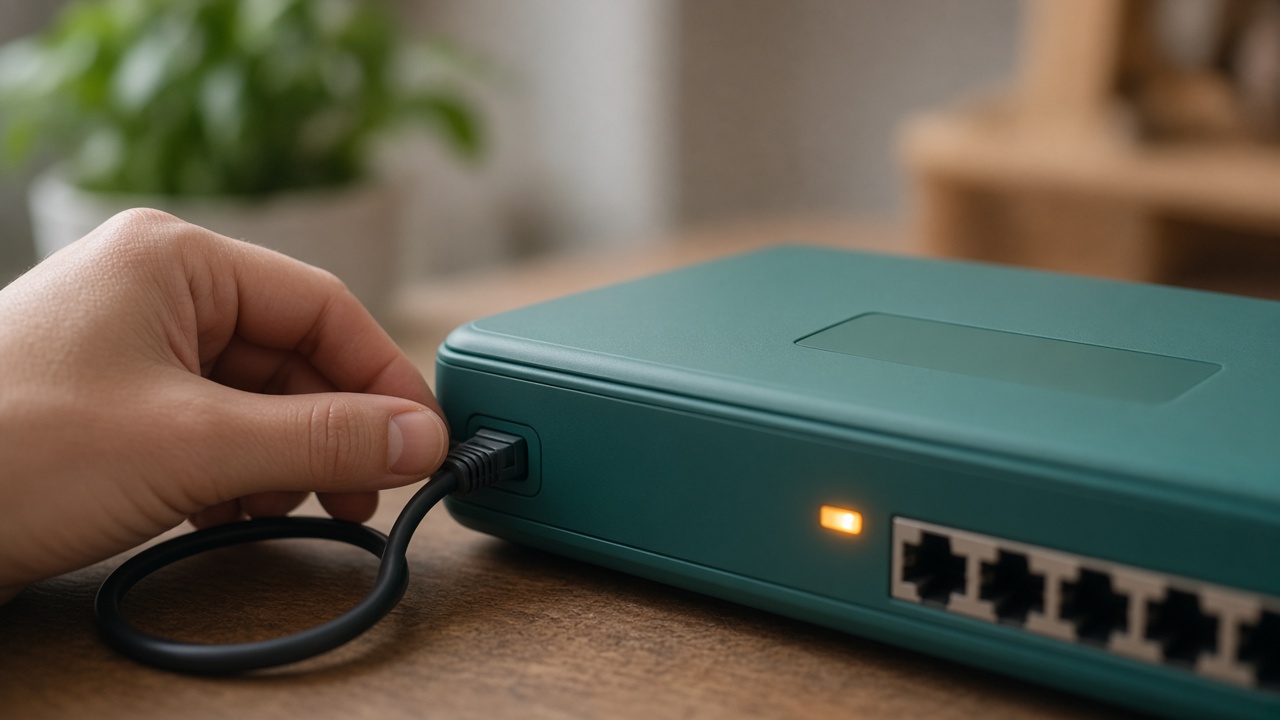
The router is the front door of the home network. It decides which devices may join, whether a stranger can reach the settings from outside, and how the family’s traffic leaves for the internet. Any talk of sharing spare bandwidth starts here, not in an installer. If the door is still using a sticker password, or if a child can change the settings, the household is not ready for a new use of the line. Readiness is a short list of adult tasks, not a new box of equipment.
MetaEdge’s planned NEST, announced for 2026, is described as a browser extension or desktop node, not as a replacement for the router and not as a reason to open the home network. Participation would be for adults aged 18 and over. Children do not install nodes and do not reconfigure the router to make that possible. Rewards are variable and not guaranteed. This guide is household education. It is not a manual for bypassing a provider, and it is not legal or security advice for a specific model.
Why the router comes first
Sharing software, if it ever exists in your country, would use the connection the router already provides. It would not need to become the administrator of the house. Parents can separate those jobs. The router’s job is to keep a private network for the family and a path outward. A node’s described job, in MetaEdge’s material, is to handle approved enterprise requests toward the public web, with encryption and isolation, without opening local files. If a setup guide tells you to weaken the router so the node can work, treat that clash as a stop sign, not as a step you missed.
Most of the useful checks are the ones a careful household would do anyway. Update the router if the maker still offers updates. Replace the default admin password. Turn off remote administration unless a trusted adult truly needs it. Prefer current Wi-Fi protection, commonly WPA2 or WPA3, over old options a sticker may still mention. None of this makes a future product safe by itself. It means you are not adding a new use on top of a door that was left open when the router was plugged in.
Do the checks while logged in as an adult, on a computer you control, and write down what you changed. Children can watch and learn what a router is. They should not be the ones who apply the changes, store the new password, or “just try” a setting from a video. If the only person who can log in is a teenager, pause and move that knowledge to an adult first. Authority over the front door is part of the minimum, not an optional extra for technical families.
Admin access, updates, and remote control
The admin password is not the Wi-Fi password. Guests and children may need the second so their devices can join. Only adults need the first. If they are still the same word, split them. Choose an admin password you do not reuse for email or banking, and keep it where the adults who pay the bill can find it. A password manager is fine. A note in a child’s school bag is not. This split is the minimum that stops a shared fridge password from becoming control of the whole network.
Updates close holes the maker has already acknowledged. Log in, see whether an update is offered, and apply it when you can leave the connection down for a few minutes. If the router is so old that no updates exist, that age is a fact to weigh before any sharing. You do not have to buy a new router in order to understand The NEST, and you should not buy one in the hope of rewards. You might plan a replacement for ordinary reasons: reliability, updates, and a connection that serves school and work. Income is not one of those reasons.
Remote administration lets the settings be reached from outside the house. For most families the calm setting is off. A parent who needs it for a clear reason can turn it on later, with a strong password, and turn it off again. Leaving it on “in case” is not a preparation for bandwidth sharing. Neither is turning off the firewall, nor placing the family computer in a mode that exposes it to the wider internet. Those changes widen the door. A node that needed them would fail this household’s minimum before it started.
A separate path when the router allows it
Many routers can offer a guest network beside the main one. Guests then reach the internet without seeing printers, shared folders, and other family devices. If your router has this option and you use it, you have already practised the idea that not every user needs the whole house. That practice is useful even if you never share bandwidth. It is not, by itself, a requirement of The NEST, which is not yet a service you can install. Do not invent extra networks because a forum said a node must have its own. Read the actual product, when it exists, and stop if it asks you to flatten the separation.
The main network should keep its own name and password, changed from the sticker if you have not done so. A name need not advertise the family surname or the router’s model. A password should be long enough that it is not a dictionary word on the fridge in six letters. Write it down for the adults. You can still tell guests the guest password without handing them the keys to the private side. Children who live in the house may use the main network for ordinary life. Using it is not permission to change it.
If the router is too simple for a guest network, do not force a complicated workaround from a video. The minimum is still an updated device, a unique admin password, remote admin off, and a clear adult owner. A household can meet that bar and decide that sharing is unnecessary. Settings are there to keep today’s network understandable. They are not a project to make the home look like a small service provider. If the menu is confusing, photograph the screen and ask the provider or a trusted adult, not a comment thread.
Do not open the house to make sharing easier
Some instructions online tell people to open ports, disable protections, or allow any device that asks. Those steps are the opposite of a minimum for a family. A bandwidth arrangement that only needs to reach the public web should not require strangers to initiate contact with your router. MetaEdge’s description says enterprise requests are meant for the public web, not for local devices. Hold the guide to that sentence. If a file, a chat, or a video says otherwise, it is not a shortcut to being ready. It is a reason to close the tab.
The same caution applies to plugs and sticks you do not recognise, and to “optimizer” apps that ask to change the router for you. An adult can type the address printed on the router and log in. They do not need a stranger’s tool to view the password settings. Children should not be sent to install a helper because the menu is in a language the parents find slow. Slowness is acceptable. A helper that wants the admin password is a transfer of the front door, and it does not become safe because the helper mentions rewards.
Write a refusal the household can use. We do not open ports for a node. We do not turn off the firewall. We do not give the admin password to an app, a guest, or a child. We do not install router firmware from a link in a message. Official updates come from the maker’s own offer inside the router or from the provider who supplied it. That refusal is compatible with learning about The NEST later. It is how you stay able to say yes, much later, to something that does not demand a weaker house.
Know the connection you already pay for
Router settings cannot create capacity the plan does not have. Note the download and upload speeds, any data cap, and whether the provider’s terms limit sharing, servers, or constant high use. This article cannot read your contract. It can say that an unclear answer is a reason to wait, and that a forum summary is not the agreement. Ask the provider in plain language if you need to. Keep their reply with the date. A minimum setting list that ignores the plan is only half a decision.
Watch a normal week before you imagine a new use. If evening calls already stall, the router may need a better place in the room, less interference, or a plan that matches the household. Those fixes serve the people who live there. They are not a prelude to income. MetaEdge’s material says a future node is intended not to slow personal browsing, and that real results depend on configuration and the line. You can only judge that later, against notes you took when the line was only doing family work.
Do not upgrade the plan, the router, or the electricity budget in order to be eligible for a reward that is not guaranteed. The NEST is planned for 2026. Eligibility, demand, location, and terms would still decide whether any reward appears. Spending now turns a possible option into a certain cost. If the router needs replacing because it is failing or no longer updated, replace it for that reason and keep the receipt in the household file. Do not describe the purchase to children as an investment in a network.
Settings are a start, not a guarantee
When the minimum is done, the household has a cleaner door. It does not yet have a decision to share. The next questions sit outside the router: whose account, which computer, which hours, what the privacy notice actually says, and how an adult turns the software off. A tidy router cannot answer them. Parents who stop at the settings menu and then install the first app that mentions bandwidth have skipped the harder half. The menu was the easy half because it is already in the house.
Recheck after changes. A new mesh unit, a provider-supplied router, or a factory reset can restore remote admin and a default password. Put a reminder next to the bill. Children who are learning can help compare the screen with the written list, while an adult makes the clicks. If something looks different and nobody knows why, turn remote access off again and change the admin password. Curiosity about an unexpected change is healthy. Ignoring it because a node “seems fine” is not.
You may finish the list and choose not to share at all. That is a successful use of the minimum. The family network stays a private utility, The NEST stays a 2026 plan until it is a real offer where you live, and no one has opened the door to make an unreleased product easier. Rewards were never part of this chore. When adults are later ready to read final terms, they will still want this quieter router underneath. Until then, the settings are the whole task, and they belong to adults.
Frequently asked questions
What is the minimum we should set before any sharing?+
An adult should update the router if updates exist, set a unique admin password different from the Wi-Fi password, turn off remote administration unless it is truly needed, and keep current Wi-Fi protection. Do not open ports or disable the firewall to make a node easier. Children do not make these changes.
Does The NEST require us to change the router?+
The NEST is planned for 2026 and is described as a browser extension or desktop node, not as a new router. Company material says enterprise traffic is aimed at the public web and kept apart from local files. If a guide tells you to weaken the router, do not follow it. There is nothing to install until an official offer exists where you live.
Should we buy a new router to be ready?+
Not for a reward. Replace a router if it fails, cannot be updated, or no longer serves school and work. Rewards are variable and not guaranteed, and this is not financial advice. Do not describe a purchase as an investment in a future network.
Can a teenager apply the settings if they are careful?+
They can look at the screen with an adult and help compare it with a written list. The adult makes the changes and keeps the admin password. Participation and router control are for adults aged 18 and over. Carefulness does not transfer the front door.
Do these settings guarantee that sharing will be private?+
No. They are ordinary care of the door you already have. Privacy still depends on the software’s real permissions, the notice you read, and the choice not to install if those are unclear. This article is not a security guarantee and not legal advice about your provider’s terms.