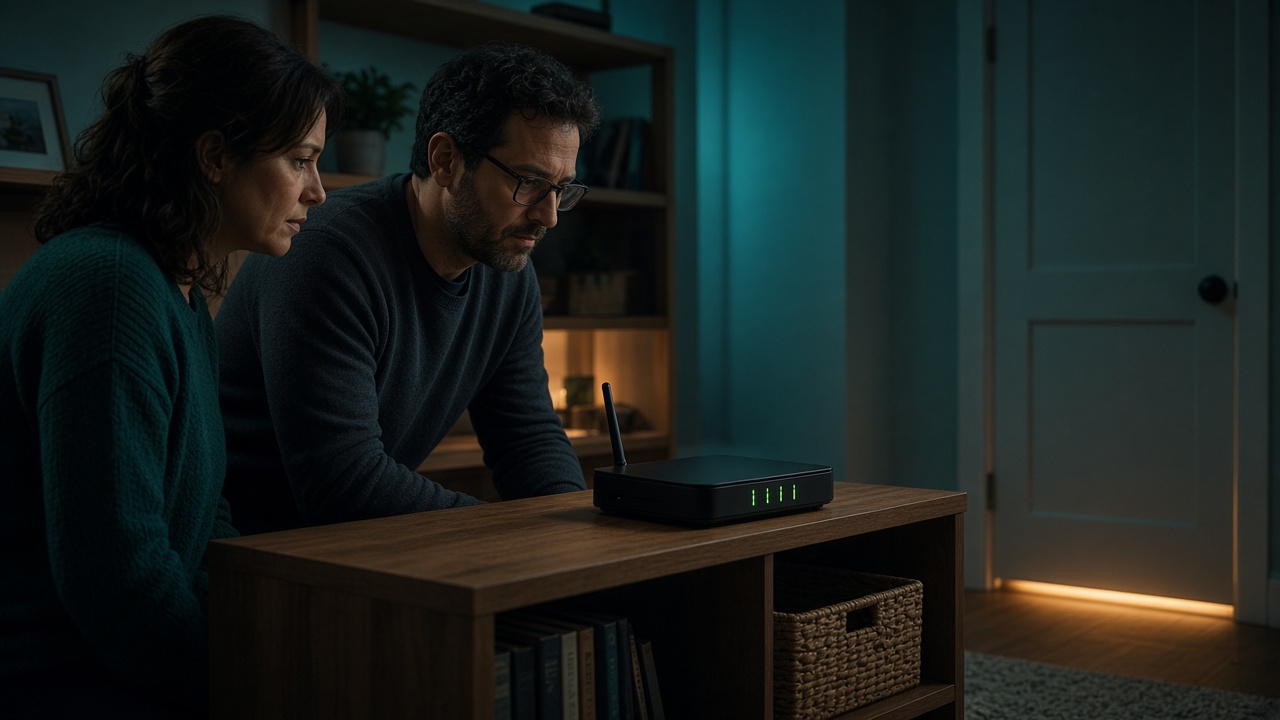
Family Wi-Fi feels shared because everyone uses it. Phones join, games update, and visitors ask for the password. Shared use is not the same as shared authority. Someone pays the bill, someone’s name is on the contract, and someone can change the router. Those facts decide who may add a new use, including any future node. A child who knows the password has access to the network. They do not have permission to change what the network is for at home.
MetaEdge describes The NEST, planned for 2026, as software an adult would install in order to connect unused bandwidth with approved enterprise demand. It is opt-in, and the company material says it can be paused. Participation, if offered, is for adults aged 18 and over. Children do not install nodes and do not turn them on. Rewards would be variable and are not guaranteed. This article is about household authority. It is not legal advice about a contract, and it is not a reason to install anything today.
Name the connection before you name the node
Start with the ordinary object. The family pays an internet provider for a connection that arrives at a router. From the router, Wi-Fi and cables reach phones, laptops, televisions, and sometimes a printer or a camera. That whole arrangement is one household utility. It is closer to the electricity or the water than to a personal app. People can use it without owning the decision to change it. When a new use is proposed, the question is not who is most interested. The question is who is allowed to commit the household.
Write down the practical owners. Who is named on the provider account? Who pays? Who knows the router’s admin password, as distinct from the Wi-Fi password guests use? Who would be contacted if the line failed? In many homes those answers point to one or two adults. If they point to a teenager because the adults find the router confusing, the household has a teaching task, not a transfer of authority. Confusion can be fixed with a labelled note. It should not be fixed by letting a minor accept terms.
A node, if one is ever offered, would be a new use of that utility. It would not create a second, private internet for the person who clicked install. Other people’s calls, homework, and backups would still share the line. That is why the decision cannot sit with whoever happens to be at the keyboard. The adult who can explain the choice to the rest of the house is the adult who may make it. Interest, skill, and a free evening are not substitutes.
The admin password is an adult tool
Routers usually have two secrets. One is the Wi-Fi password that lets a device join. The other is the admin password that lets a person change the network: names, guest access, updates, and remote management. The second secret belongs with adults. Children can know the first so that their phone works. They do not need the second in order to do homework. If the admin password is still the one printed on the sticker, or the word “admin,” change it and store it where adults can find it and children cannot casually browse it.
Turning a node on is closer to an admin decision than to joining the Wi-Fi. It changes how the connection is used, for how long, and under whose account. Even if the software sits on one computer rather than inside the router, it still spends a shared resource. The person who may do that is the adult account holder, aged 18 or over, after the other responsible adults have agreed the limits. A parent who says “you handle the technology” has not handed over the legal or household right to bind the family.
Keep a paper trail that matches the authority. One page can list the provider, the adult who holds the account, where the admin password is kept, and the rule that no node is installed while The NEST remains a 2026 plan rather than a service in your country. When a real offer exists, add whether the adults agreed, on what device, and how to turn it off. The page prevents a later argument about who clicked yes. It also survives the day someone forgets a password.
A shared password is not shared permission
Households often put the Wi-Fi password on the fridge. That is a convenience. It means a new phone can connect without a hunt. It does not mean every person who can read the fridge may install software that uses the line for someone outside the family. Permission to connect is permission to use the internet in the ordinary way: school, calls, play, within the house rules. Permission to run a node is a separate sentence, and that sentence is not implied by the sticker.
The same split applies to a family computer that stays logged in. An open session is not an invitation. Children and guests should not treat a logged-in browser as theirs to extend with new extensions. If a node would take the form of a browser extension or a desktop program, as MetaEdge’s material describes for The NEST, then installing it is an adult act on an adult account. Do it from the adult’s own login, or do not do it. A shared session hides who consented and makes a later removal harder to explain.
Say the distinction out loud once, before anyone is excited. “You may use the Wi-Fi. You may not install a node, an extension, or a ‘bandwidth app’ from a link.” Repeat it when a message arrives that sounds helpful or urgent. Urgency is a common costume for a bad idea. The household can be curious about how networks work and still refuse every forwarded file. Official terms, when they exist, will not need to arrive as a surprise attachment from a classmate.
Who may turn a node on
If a service is actually available where you live, the person who may turn a node on is a narrow group. They are an adult aged 18 or over. They hold, or share with another adult, the decision for the connection. They have read the current terms and can point to how to pause and uninstall. They are not doing it on a child’s device, a school device, or a work device. They can tell the household what will run, during which hours, and what will not be touched. If any of those sentences fails, the switch stays off.
MetaEdge’s material says participation is opt-in and that users can pause or disconnect without penalties. Those are design claims to confirm in the terms you are shown, not a licence for several people to switch the software independently. Pick one adult operator. A second adult may review. Children may ask what the screen means. They may not be the operator “when you are out.” Leaving a minor in charge of the off switch is how a household rule becomes a suggestion. The off switch stays with the same adult who was allowed to turn it on.
Money does not widen the group. A promise of rewards, a friend’s screenshot, or a wish to help with bills does not make a teenager the right operator. Rewards are variable and are not guaranteed. They depend on eligibility, demand, location, capacity used, and terms that do not exist as a finished offer in every country today. No one should turn a node on to chase a figure this guide will not invent. If the only motive is income, and the only willing person is under 18, the answer is to leave the connection as it is.
Teens, partners, and guests
Older teenagers can understand the rule and still not hold it. They may be more fluent with the router than either parent. Fluency is welcome when an adult asks for help reading a screen. It is not a promotion. A sixteen-year-old who configures a guest network under supervision is learning. The same teenager who creates an account and leaves a node running is outside the rule, even with a proud parent nearby. Eighteen is the floor for participation in this model. There is no homework exception and no “they’re basically an adult” exception.
Partners and other adults in the house need an explicit agreement, not a guess. A new partner, a visiting parent, or a housemate may have their own view of what the connection should do. The person named on the bill does not have to accept every idea, and they also should not surprise the people who rely on the line. A short agreement is enough: no node without both adults, no install on someone else’s computer, and a pause if calls or study suffer. This is household courtesy. It is not a ruling on whose legal title is stronger.
Guests get the Wi-Fi, not the admin, and not a node. A weekend visitor does not enrol the household, and the household does not enrol the visitor’s laptop. Tell guests the ordinary password and the ordinary rules: no illegal use, no tinkering with the router. You do not need to brief them on The NEST unless a node is actually running, in which case one true sentence is enough. Spare bandwidth may be in use; their messages are not the product. If you cannot say that sentence honestly, do not run the node while they are there.
A rule the house can repeat
Put the rule in words a child can repeat without turning it into a slogan about money. Ours might be: adults decide what the Wi-Fi is for; the password is for connecting; only an adult aged 18 or over may turn a node on; children’s devices stay out; and we do not install from links. That rule is complete even while The NEST is still a plan for 2026. It does not require a product. It prevents the product conversation from being settled by whoever is most persuasive in a group chat.
Review the rule when life changes. A new router, a new provider, a teenager moving toward adulthood, or a separation in the household can change who should hold the admin password. Authority should be updated on purpose, not by drift. When someone turns 18 they do not automatically become the operator of the family connection. They become an adult who can be part of the conversation. The connection still serves everyone. The decision still needs the people who pay for it and live with the consequences.
You can refuse the whole topic and still be consistent. Some households will never turn a node on, because the line is busy, the terms are unclear, or they simply prefer a connection that only serves the people in the house. That preference is a valid use of authority. It should be said by the adults, written once, and defended without panic when a child hears a different story at school. The Wi-Fi remains a family utility. The right to change it remains adult. Nothing about a future reward moves that line.
Frequently asked questions
If a child knows the Wi-Fi password, can they turn a node on?+
No. The password lets a device join the network. It does not grant authority to install software or commit the household’s connection. Children do not install nodes and do not turn them on. Only an adult aged 18 or over, who is allowed to decide for the connection, may do that if a real service exists.
Does the person who pays the bill decide alone?+
They carry the contract, so they cannot be bypassed. In a shared household they should still agree with the other responsible adults before adding a use that affects everyone. This article is not legal advice about whose name controls a contract. It is a practical rule: do not surprise the people who rely on the line.
Can a teenager manage the node if the parents are not technical?+
They can help an adult read a screen. They cannot be the account holder or the person who turns the node on. Participation is for adults aged 18 and over. If the parents are unsure, the right step is to wait and learn, not to delegate the click.
When could an adult turn a node on?+
Only when an official offer exists where you live, the terms are readable, the device is an adult’s, and the household has agreed hours and an off switch. The NEST is planned for 2026. Rewards are variable and not guaranteed. Do not turn anything on from a forwarded link in the meantime.
Should guests be told if a node is running?+
Yes, in one honest sentence: spare bandwidth may be used, and their messages are not the product. If you cannot say that because you have not checked the documentation, do not run the node while guests are on the network. Their use of the Wi-Fi is not consent to an experiment.